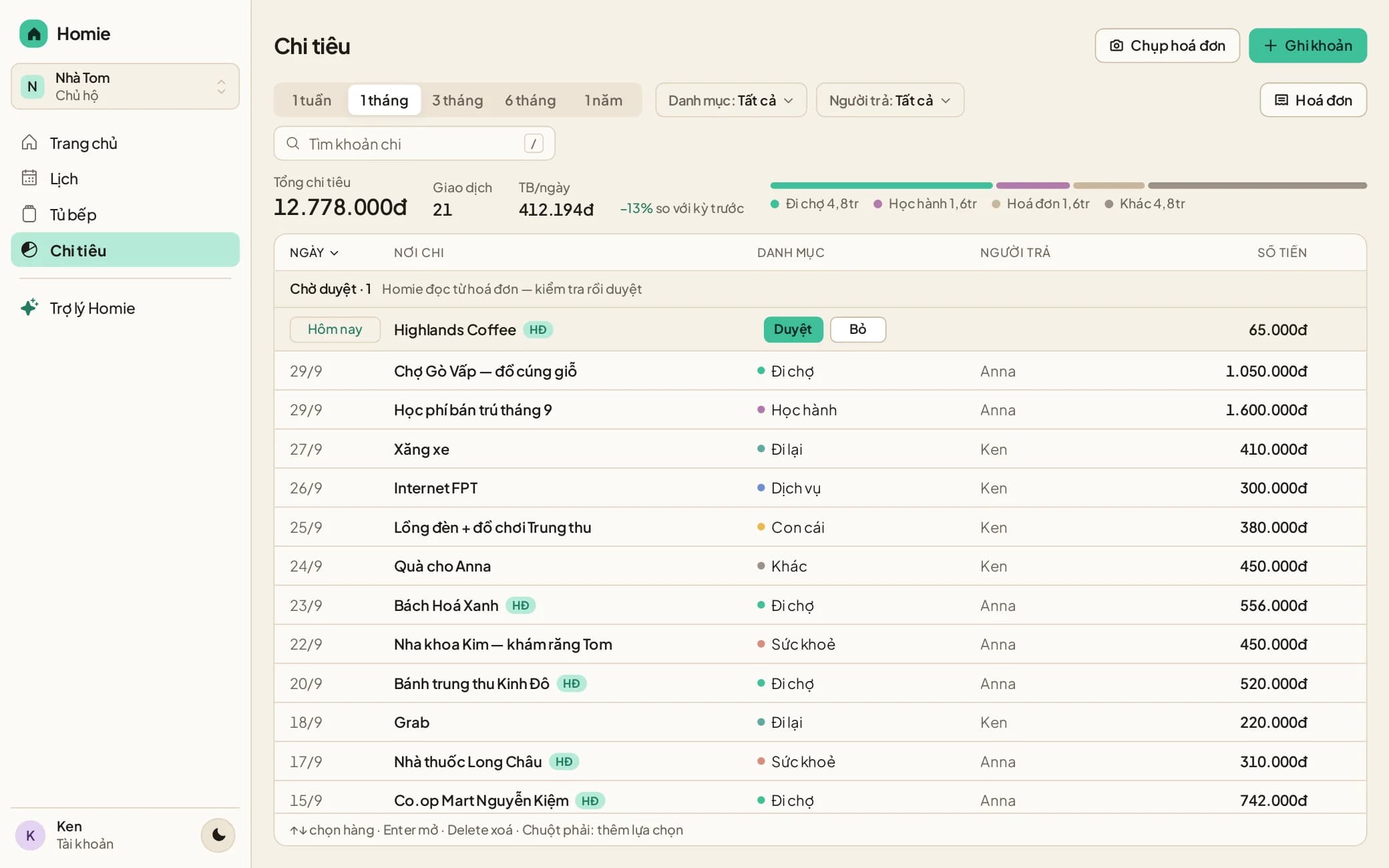
A window of its own for Homie, opened from the Dock or taskbar. The same account and data as your phone and the web app.
Apple silicon and Intel · macOS 12 or later
Opening it on a Mac the first time
- Drag Homie into Applications and open it.
- If macOS says it can't verify the developer: open System Settings → Privacy & Security and click “Open Anyway”.
- From then on Homie opens normally.
Windows 10 or later
Windows may say “Windows protected your PC” because the installer isn’t code-signed yet: choose More info → Run anyway.
AppImage · x64 and ARM64
ARM64 build (Raspberry Pi, ARM machines) →Use the web app. In Chrome or Edge, click the “Install app” icon in the address bar for a window of its own — nothing to download.
Android: Google Play · iPhone: the web app
Homie for desktop is the same app as the web version, packaged as its own window. Your data lives on Homie's servers, not in the installer.